
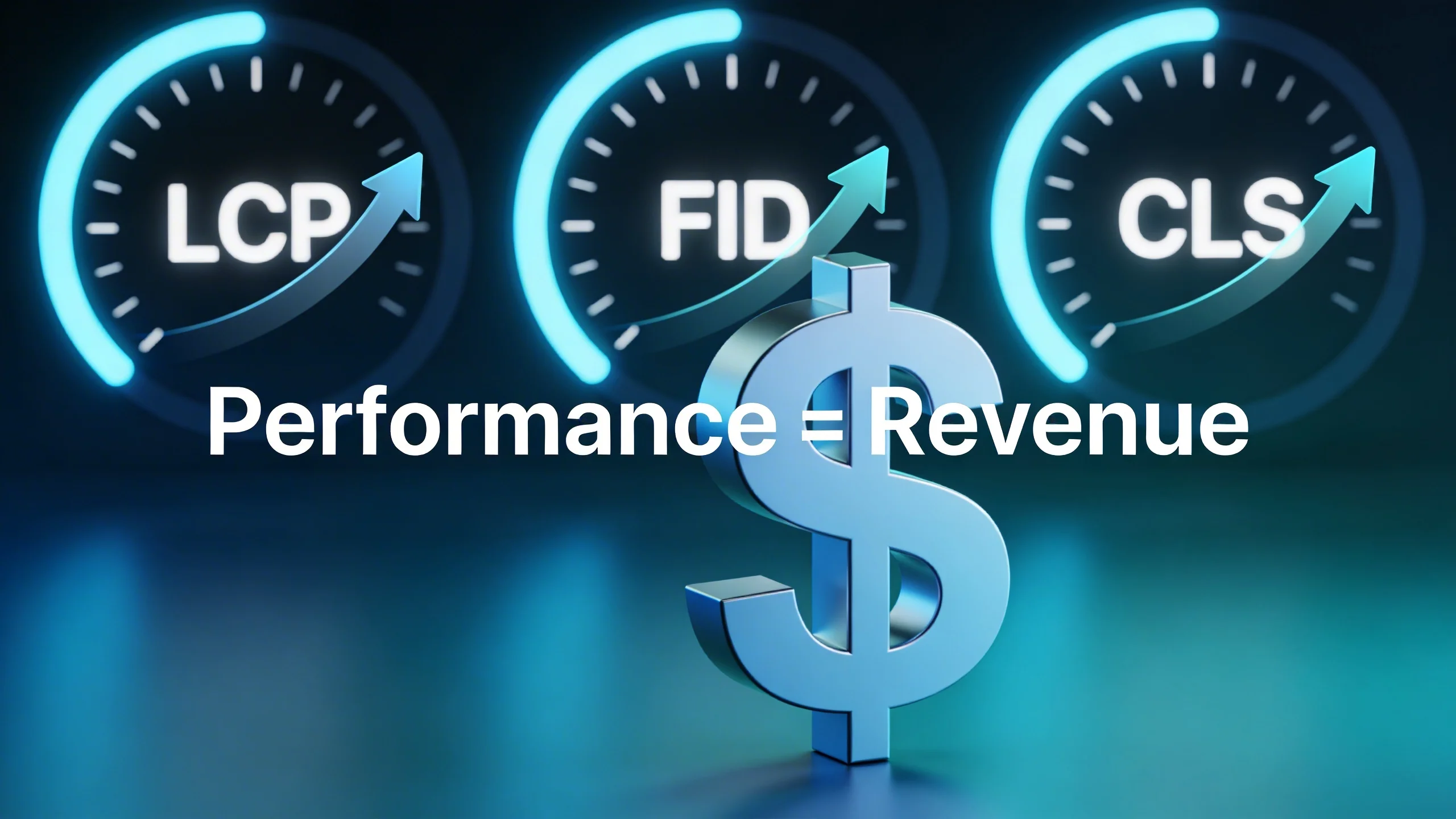
The Vicious Cycle: How Poor User Experience Crushes Your Advertising KPIs
Before we dissect each CWV metric, it's crucial to understand the high-level domino effect. A poor user experience, as quantified by Core Web Vitals, triggers a vicious cycle that systematically dismantles your revenue strategy piece by piece. It’s not one single problem; it’s a cascade of failures that all lead to the same outcome: less money.
Fewer Pageviews = Less Ad Inventory
The most straightforward connection is also the most brutal. Research from Google shows that as page load time goes from 1 second to 3 seconds, the probability of a bounce increases by 32%. If it goes to 5 seconds, the probability of a bounce skyrockets by 90%.
Think about what that means for your ad inventory. A user who bounces after viewing one page generates a single set of ad impressions. A user who happily clicks through to five pages generates five times the impressions.
Poor CWV scores are a direct indicator of a bad user experience. A slow LCP makes the site feel broken. A high CLS makes it frustrating. This friction leads to higher bounce rates and shorter session durations. The result is simple math: fewer pages viewed per user means fewer ad impressions you can sell. You’re shrinking your own inventory before it ever has a chance to be monetized.
Lower SEO Rankings = Less High-Value Traffic
For years, Google has been clear that page experience is a key part of its ranking algorithm, and Core Web Vitals are at the heart of that signal. While content is still king, a site that fails CWV assessments will struggle to compete in the SERPs against a faster, more stable competitor, all other factors being equal.
Why does this matter for ad revenue? Organic traffic is often your most valuable audience. These are users with high intent, actively searching for the information you provide. They are more engaged, more likely to trust your content, and therefore more valuable to advertisers.
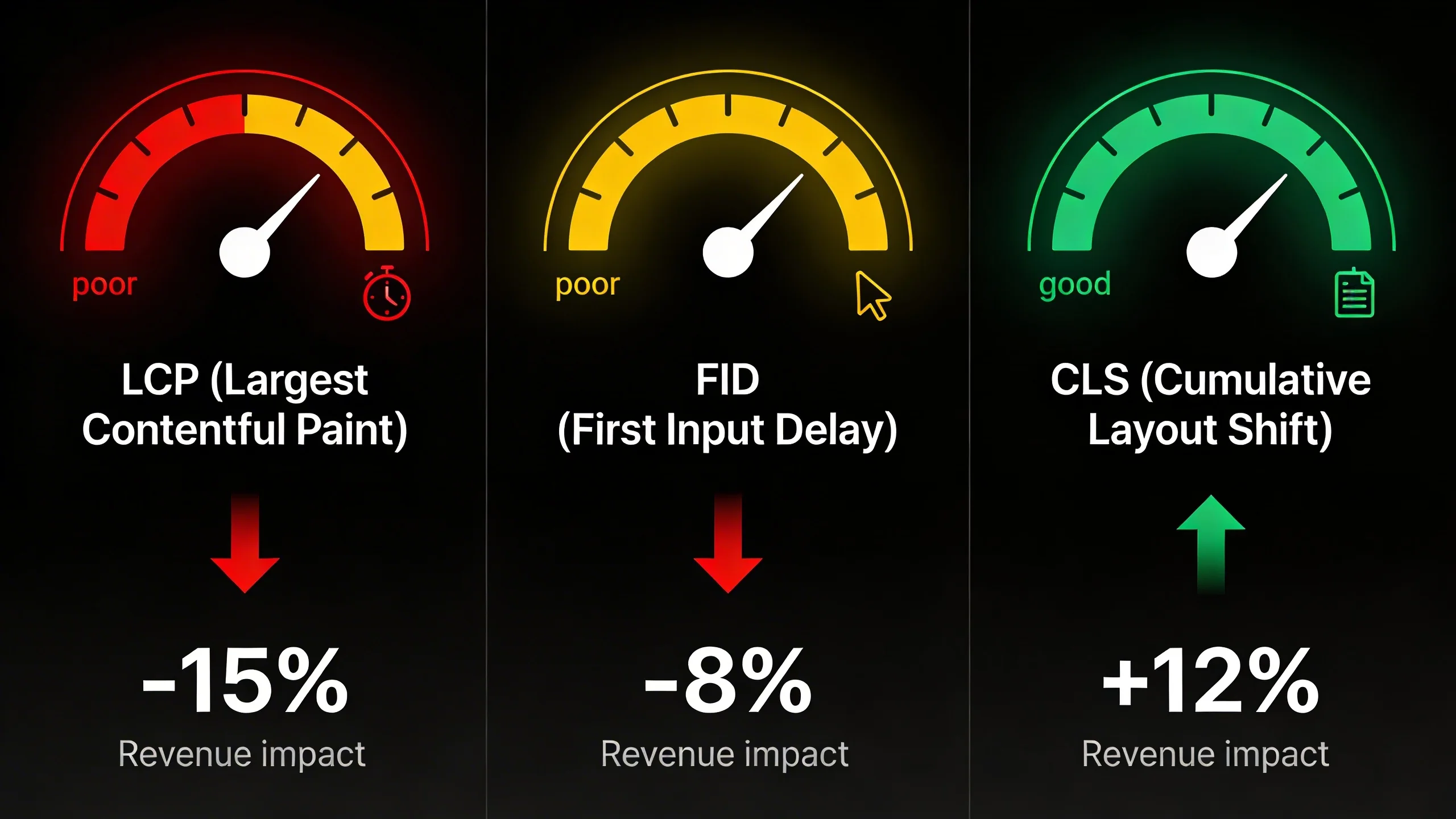
When poor CWV scores push your rankings down, you lose access to this premium traffic. You’re forced to rely on less engaged sources, which can lead to lower bids and a decline in overall RPM.
Poor Viewability = Lower eCPMs
Ad viewability, defined by the IAB as at least 50% of an ad’s pixels being in view for at least one continuous second, is the currency of the modern advertising ecosystem. Advertisers will not pay top dollar for impressions that are never seen.
This is where poor CWV becomes a direct financial liability.
- Slow loading (LCP): If a user can scroll past an ad slot before the creative even loads, its viewability is zero.
- Layout shifts (CLS): If an ad loads and pushes content around, it might push itself out of the viewport, destroying its chance of being seen.
When your viewability percentages drop, your eCPMs (effective cost per mille) follow suit. Programmatic ad exchanges and demand-side platforms (DSPs) use viewability as a primary bidding signal. Low viewability tells them your inventory is low-quality, resulting in fewer bids and lower prices for the bids you do receive.
Slower Ad Rendering = Missed Impressions
Sometimes the page content loads reasonably fast, but the ad stack itself, bogged down by header bidding wrappers, third-party scripts, and heavy creatives, lags behind. In these cases, a user might read the first paragraph and bounce before your ad container even finishes its auction and renders a creative.
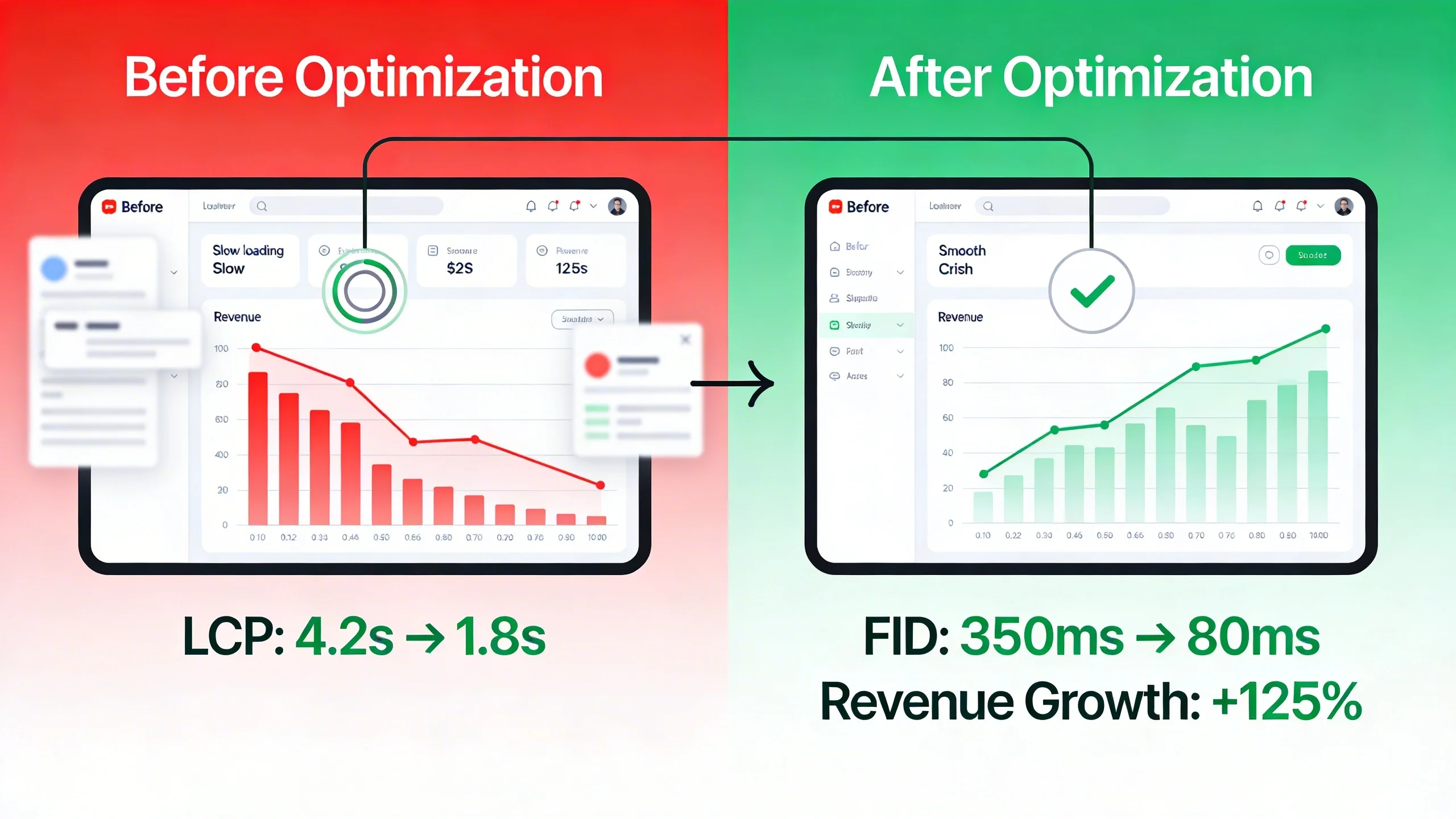
This is a "missed impression." The ad opportunity existed, but your technology failed to capitalize on it in time. Every missed impression is lost revenue, a direct consequence of a slow and inefficient ad loading process that negatively impacts your overall site performance.
A Deeper Dive: How Each Core Web Vital Metric Sabotages Your Ad Revenue
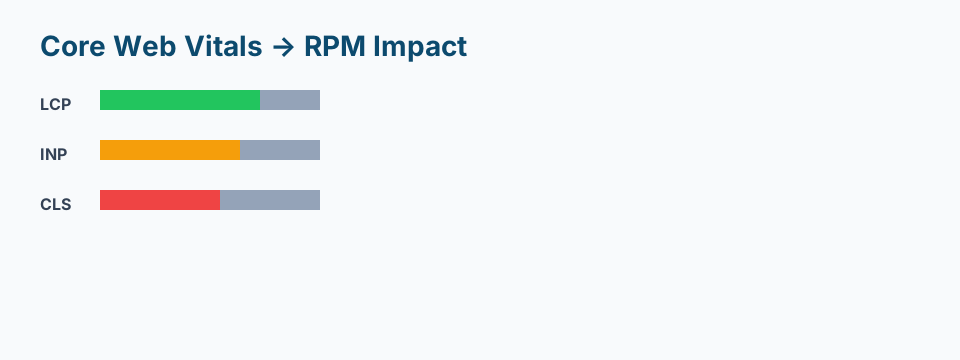
Now, let's connect the dots between each specific Core Web Vital and the damage it inflicts on your bottom line. Understanding these mechanics is the first step to fixing them.
Largest Contentful Paint (LCP): The Perceived Speed Killer
- What it is: In simple terms, LCP measures the time it takes for the largest single element on the screen (like a hero image, a block of text, or often, a large ad unit) to become visible to the user. It’s Google’s primary metric for measuring perceived load speed. A good LCP is under 2.5 seconds.
- How it Kills Ad Revenue:
* User Abandonment: A slow LCP is the most obvious sign of a slow website. It makes the entire page feel sluggish and broken. As we saw earlier, this delay is a primary driver of bounces, meaning users leave before your full ad stack can even load and register impressions.
* Destroyed Viewability: If a large, above-the-fold ad unit is the LCP element and it loads slowly, the user will likely scroll down before it even renders. That ad had a premium position but achieved 0% viewability, making a high-value slot worthless.
* Delayed Ad Calls: If your main content is the LCP and it's slow to load due to unoptimized images or render-blocking resources, the execution of your ad scripts gets delayed. This pushes back the entire monetization process, increasing the risk of the user leaving before ads are served.
Cumulative Layout Shift (CLS): The Revenue-Crushing Annoyance
- What it is: CLS measures the visual stability of your page. It quantifies how much your content unexpectedly moves or "shifts" around as it loads. The most common cause for publishers? An ad loading into a space that wasn't reserved for it, pushing all the text down. A good CLS score is below 0.1.
- How it Kills Ad Revenue (This is the most critical metric for publishers to master):
* Accidental Clicks & Penalties: When an ad suddenly appears where a user was about to tap a link, they click the ad by mistake. This is a nightmare scenario. It provides zero value to the advertiser (the user immediately closes the ad), pollutes their campaign data, and can flag your site for invalid traffic (IVT), potentially getting you penalized or even banned by ad networks like AdSense.
* Erodes User Trust: Nothing screams "spammy, low-quality website" more than content that jumps around. This jarring experience is incredibly frustrating for users. It breaks their concentration, destroys trust in your brand, and sends them scrambling for the "back" button.
Hampers Viewability: Just as an ad can push content down, other elements loading in can push an ad out* of the viewport. A perfectly viewable ad can become non-viewable in an instant because a custom font or an un-sized image loaded late, causing a reflow of the entire page.
(Imagine a diagram here showing a user's screen. The "Before" image shows a paragraph of text with a "Read More" button. The "After" image shows a large banner ad suddenly appearing above the button, pushing it down just as the user's finger is about to tap it.)
First Input Delay (FID) & Interaction to Next Paint (INP): The Engagement Blockers
- What they are: These metrics measure your site's responsiveness. FID measures the delay from a user's first interaction (like a click) to when the browser can respond. Its successor, Interaction to Next Paint (INP), is a more comprehensive metric that measures the latency of all user interactions on a page. INP is officially replacing FID as a Core Web Vital in March 2024, so focusing on it is key. A good INP is under 200 milliseconds.
- How they Kill Ad Revenue:
* Direct User Frustration: A high INP makes a site feel frozen or broken. The user clicks on the navigation menu, a video play button, or a "load more" link, and… nothing happens. This is an immediate recipe for abandonment.
* Prevents Deeper Engagement: Revenue is maximized when users are engaged. A poor INP prevents them from taking high-value actions that lead to more pageviews. They can't open the photo gallery, use your interactive tools, or navigate to another article, all actions that would have generated more ad impressions.
* The Ad Script Conflict: What’s a primary cause of a busy browser main thread that leads to high INP? Heavy JavaScript execution. And what is a publisher's site full of? Ad scripts, header bidding logic, and analytics trackers. Your monetization stack is often in direct conflict with your site's responsiveness, creating a self-inflicted wound to your revenue potential.
The Action Plan: How to Fix Your Core Web Vitals and Boost Ad Revenue
Understanding the problem is half the battle. Now, let's focus on the solution. Here are actionable, publisher-focused strategies to fix your CWV and plug the leaks in your revenue stream.
Optimizing for LCP: Getting Ads and Content in View, Fast
The goal here is to render the most important above-the-fold content as quickly as possible.
- Optimize Your Images: This is low-hanging fruit. Use modern formats like WebP, ensure images are properly sized (don't serve a 2000px wide image for a 300px slot), and use compression tools.
- Use a Content Delivery Network (CDN): A CDN stores copies of your assets on servers around the world, reducing latency by serving content from a location physically closer to the user.
- Prioritize Above-the-Fold Loading: Identify your typical LCP element (e.g., a hero image) and ensure it loads first. Use techniques like
fetchpriority="high"to give it a hint. Defer the loading of anything non-critical. - Lazy Load Below-the-Fold Assets: There is no reason to load an image or an ad unit in your footer when the user first lands on the page. Implement lazy loading to defer these resources until the user scrolls them into view.
Fixing CLS: The Publisher's Most Important Technical Fix
For ad-driven websites, fixing CLS is non-negotiable and almost always comes down to one golden rule.
- The Golden Rule: Always Reserve Space for Ad Units. This is the single most impactful fix you can make. Before the ad creative loads, the browser needs to know exactly how much space it will take up. You can do this by defining a fixed size for the ad container in your CSS.
* Example: If you have a 300x250 ad slot, create a <div> wrapper around it and apply min-height: 250px; and width: 300px; to it. The browser will now reserve that empty box, and when the ad loads in, nothing else on the page will shift. Using the aspect-ratio CSS property is an even more modern and effective way to handle responsive ad sizes.
- Avoid Dynamic Ad Insertion at the Top: Never inject ads at the top of your content without reserving space first. This is the most common and jarring cause of CLS.
- Preload Your Fonts: Ensure custom web fonts aren't causing major text shifts by preloading them or using
font-display: swapwith fallback fonts that are visually similar in size.
Improving FID & INP: Taming Your JavaScript and Ad Scripts
This is often the hardest CWV to fix because publishers don't have full control over third-party ad tech scripts.
- Reduce JavaScript Execution Time: Audit your plugins and scripts. Are there any you can remove? Can any be loaded conditionally or deferred until after the user interacts with the page?
- Break Up Long Tasks: Work with your developers to identify long-running scripts that are blocking the browser's main thread. These tasks can often be broken up into smaller chunks, giving the browser a chance to respond to user input in between.
- The Ad Tech Problem: Let's be honest. The scripts from your header bidding wrapper, Google Publisher Tag (GPT), and various analytics partners are incredibly heavy. Optimizing them manually is a complex, ongoing battle. This is where you need a smarter approach to how and when these scripts are loaded.
The Publisher's Dilemma: Strategic Ad Loading
This brings us to the core conflict: how do you load ads effectively without killing performance? Loading all ads upfront harms LCP and INP. Lazy loading everything can sometimes harm viewability and revenue if not done correctly.
The solution is intelligent, strategic ad loading, a system that can balance performance with monetization. For example, instead of a basic lazy load, you need a solution that can pre-fetch ads just before they are about to enter the viewport, ensuring they are ready to render instantly without delaying the initial page load.
Soft CTA: Manually managing script priorities and strategic ad loading is a full-time job. A performance optimization platform like [Client's Solution] can automate this process, ensuring your ads load efficiently without harming your CWV scores.
Measuring Success: The Tools and KPIs That Matter
Fixing your Core Web Vitals is not a "set it and forget it" task. You need to measure your progress to prove the ROI of your efforts.
- Technical Tools:
* Google PageSpeed Insights: Gives you a detailed report on your CWV scores for a single URL, using both lab data and real-world field data.
* Google Search Console: The Core Web Vitals report shows you aggregate, site-wide performance based on real user data from Chrome. This is your ultimate source of truth.
* GTmetrix: Provides a detailed waterfall chart that helps you visualize your loading process and identify specific bottlenecks.
- Business KPIs:
A green score in PageSpeed Insights is nice, but it's a means to an end. The real goal is revenue. Before and after implementing these fixes, track these metrics meticulously:
* Revenue Per Mille (RPM)
* Ad Viewability %
* Bounce Rate
* Pages per Session
When you see your CWV scores improve and these business metrics trend up, you've confirmed the direct link between site performance and your bottom line.
Conclusion: Stop Treating Performance as a Feature and Start Treating it as a Revenue Strategy
Core Web Vitals are not just another technical checklist for your SEO team. They are a direct measure of the user experience that underpins your entire ad revenue model.
The relationship is simple and undeniable: a better, faster, and more stable experience (i.e., passing CWV) leads to more engaged users. More engaged users view more pages and see more ads. Higher viewability and lower bounce rates lead to higher eCPMs and a healthier ad inventory. Ultimately, a good user experience means more money in your pocket.
Don't let a poor user experience be the silent leak in your revenue stream. Fixing your Core Web Vitals is one of the highest-ROI investments you can make in your digital publishing business. It's time to stop choosing between speed and monetization and start building a website that excels at both.
Final Hard CTA: Ready to stop leaving money on the table? Get a free performance audit today and see exactly how much revenue you can reclaim by fixing your Core Web Vitals.