
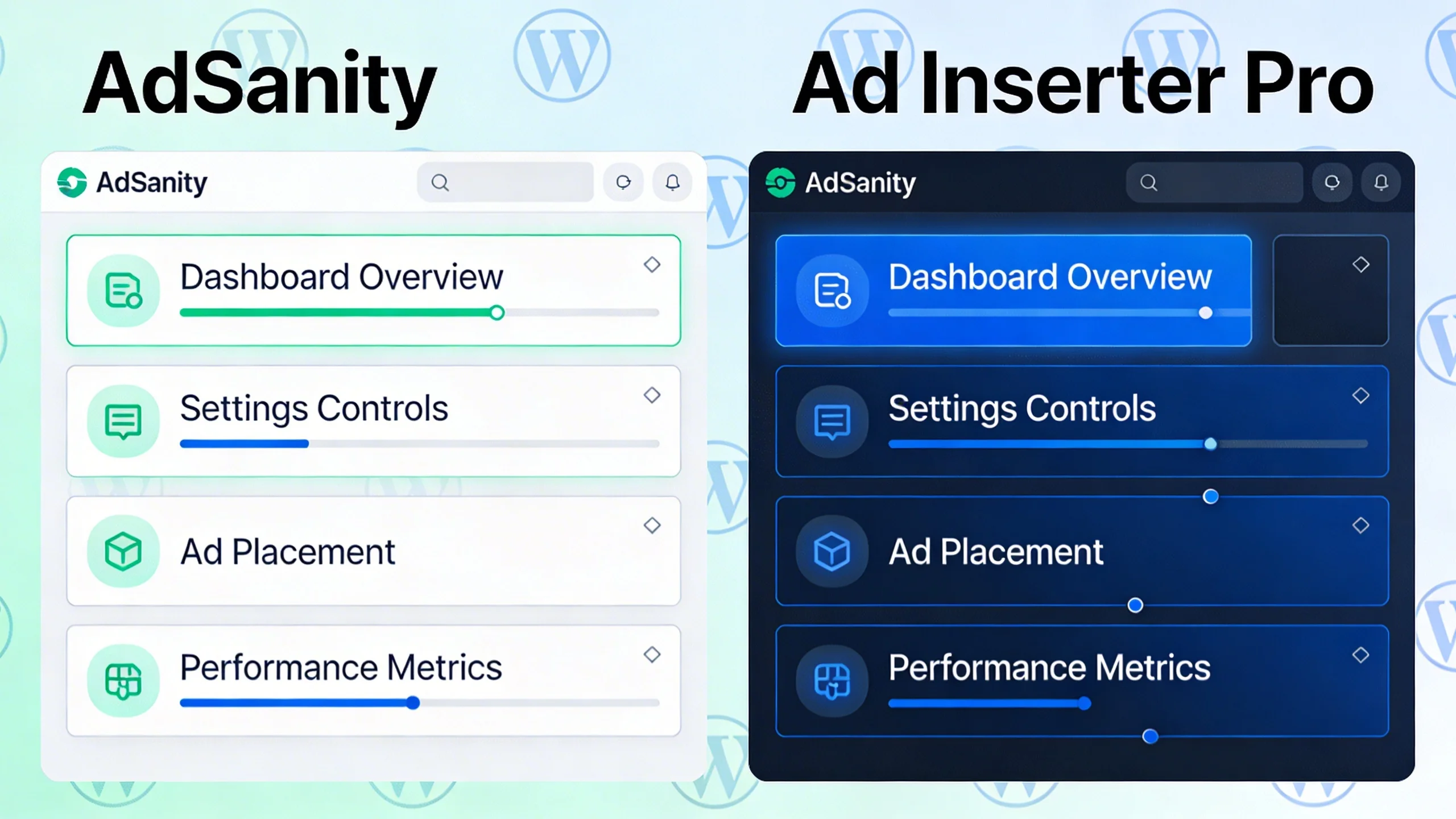
A Quick Introduction to the Competitors
Before we dive into the feature-by-feature showdown, let's get a clear picture of each plugin's core philosophy.
What is AdSanity?
AdSanity is a lightweight, user-friendly, and extensible ad management plugin designed to feel like a native part of WordPress. Its philosophy is built on simplicity and core functionality. It doesn’t try to be everything to everyone; instead, it focuses on doing the essential tasks of ad management—creating, placing, and tracking ads—exceptionally well.
Its target user is the blogger, content creator, or small business owner who wants a robust, "it just works" solution without a steep learning curve. If you value a clean interface and straightforward setup, AdSanity is speaking your language.
What is Ad Inserter Pro?
Ad Inserter Pro is an incredibly powerful and deeply technical ad management tool with an almost limitless array of configuration options. Its philosophy is one of complete control. If you can imagine a rule for displaying an ad, chances are Ad Inserter Pro can do it. From advanced placement to complex targeting and A/B testing, it’s a power user’s dream.
Its target user is the advanced publisher, developer, or performance marketer who needs granular control over every single aspect of ad delivery. If you're comfortable navigating complex settings menus to unlock unparalleled functionality, Ad Inserter Pro is built for you.
The Ultimate Comparison: AdSanity vs. Ad Inserter Pro
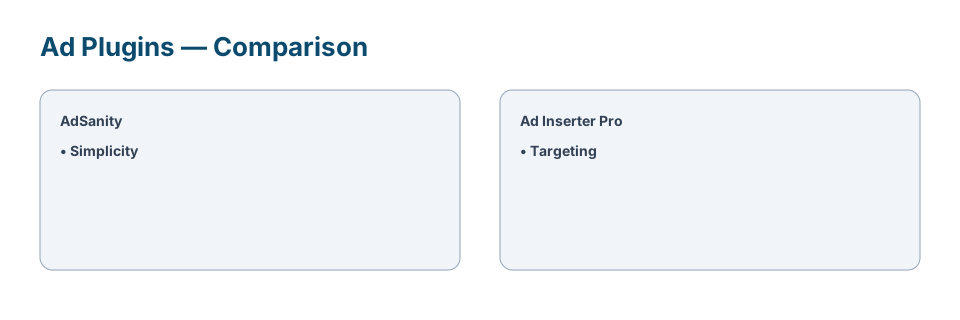
This is the core of our analysis. We'll break down both plugins across eight critical categories, declaring a winner for each to help you see where their strengths and weaknesses lie.
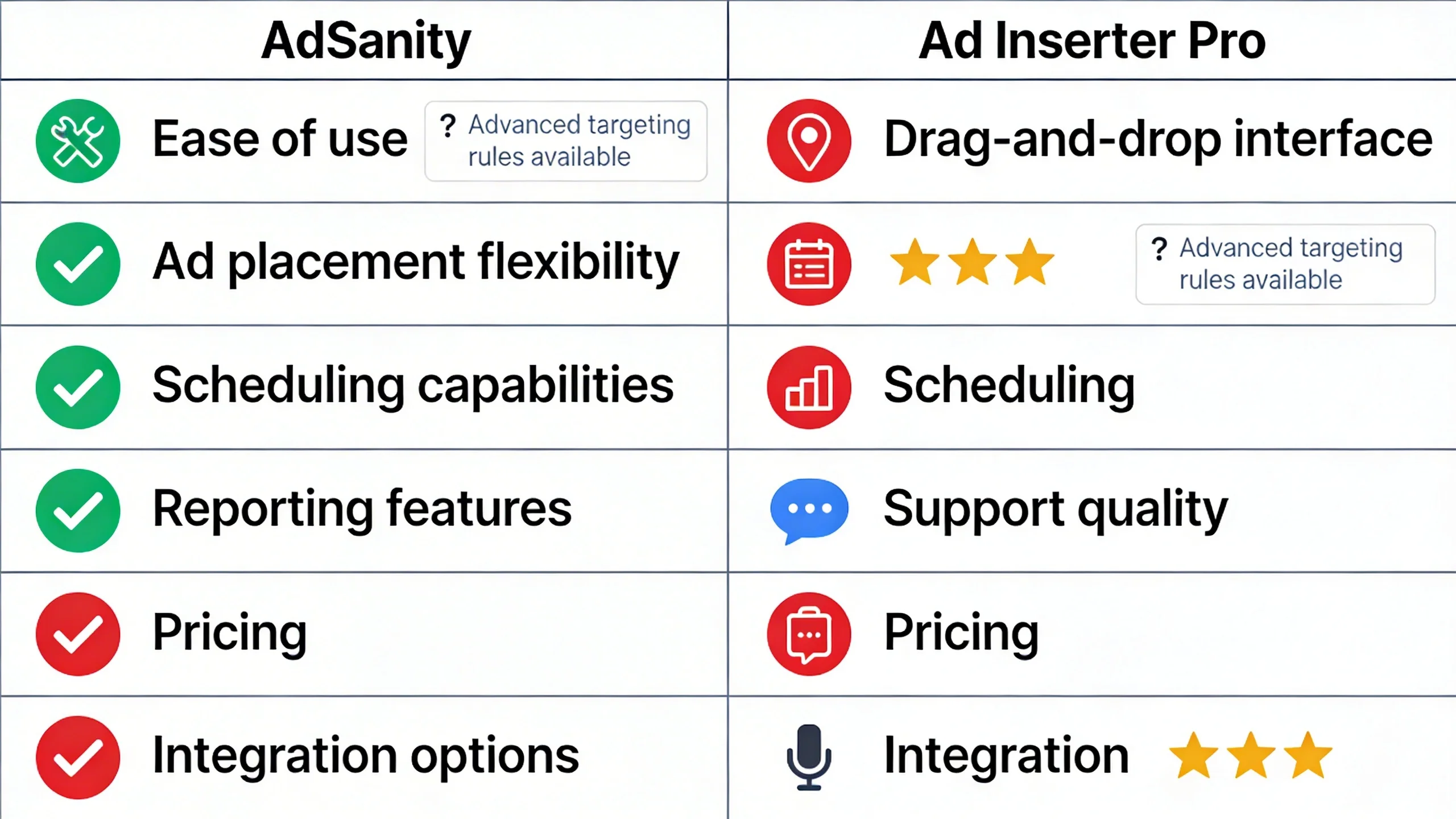
1. Ease of Use & User Interface (UI/UX)
The first impression of any plugin is its interface. How easy is it to get started and manage your daily tasks?
- AdSanity: From the moment you activate it, AdSanity feels right at home. It uses WordPress Custom Post Types, meaning creating a new ad feels just like writing a new post. The menus are clean, the options are clearly labeled, and there’s very little clutter. You can create and group ads from a single, intuitive screen. It’s a beautifully executed example of adhering to WordPress UI conventions.
(Imagine a clean, simple screenshot of the AdSanity ad creation screen, resembling the classic WordPress editor.)
- Ad Inserter Pro: Ad Inserter Pro’s interface is the definition of function over form. The main settings page is a wall of options, tabs, and checkboxes. It famously features a row of numbered tabs from 1 to 96 (representing 96 possible code blocks), which can be intimidating for a newcomer. While this structure is what gives the plugin its immense power, the learning curve is undeniably steep. You’ll likely need to consult the documentation to understand the full scope of what’s possible.
(Imagine a screenshot of Ad Inserter Pro’s main settings page, showcasing the numerous tabs and settings.)
- Verdict: AdSanity is the clear and undisputed winner for beginners and anyone who prioritizes a simple, intuitive user experience. Its seamless integration with the WordPress admin makes it approachable and fast to learn.
2. Ad Creation and Management
How do you actually create the ads you want to display on your site?
- AdSanity: The process is wonderfully straightforward. You create a new "Ad" and choose between two main types: a local ad (you upload an image and set a destination URL) or an external network ad (you paste code from a network like Google AdSense). You can then assign ads to "Ad Groups," which allows you to rotate multiple creatives within the same ad spot, a crucial feature for testing and variety.
- Ad Inserter Pro: Ad Inserter Pro uses a more abstract but flexible concept called "Blocks." A block is essentially a container where you can place any code—not just ads. This could be an AdSense snippet, an Amazon affiliate banner, a custom call-to-action (CTA), or an email opt-in form. This flexibility is a huge advantage for advanced users who want to inject more than just ads into their content. For a beginner just wanting to run a banner ad, however, it can feel less intuitive than AdSanity’s dedicated approach.
- Verdict: AdSanity is more straightforward for traditional ad management. Its dedicated workflow for creating and grouping ads is more intuitive for the average user. Ad Inserter Pro is more powerful and flexible, but its block-based system is less guided.
3. Ad Placement & Display Options
Once you've created an ad, where can you put it? This is where the differences between the two plugins become stark.
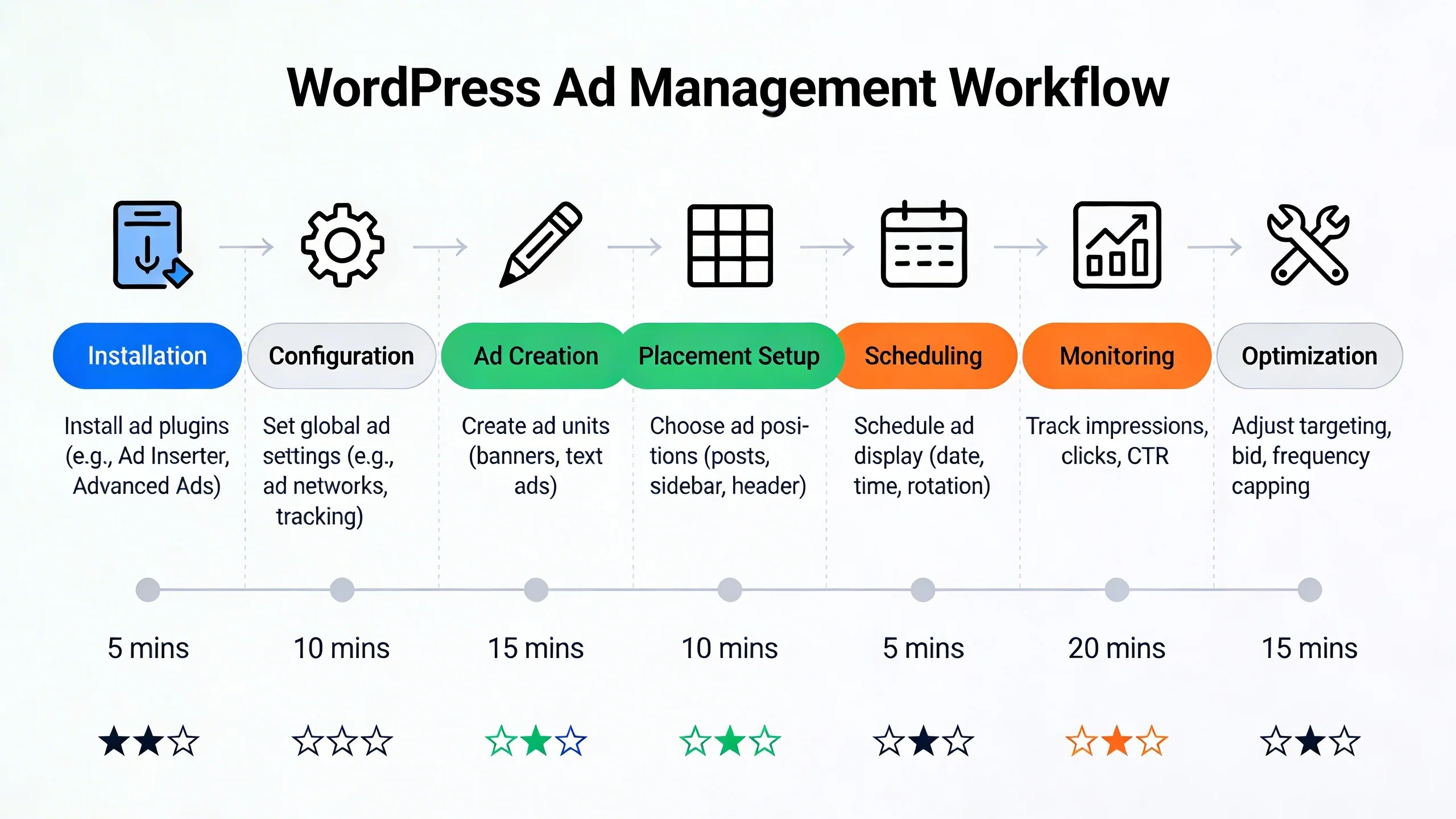
- AdSanity: AdSanity provides several reliable methods for placement. You can use widgets to place ads in sidebars and footers, use shortcodes to manually insert ads within post content, or use template tags for hard-coding ads directly into your theme files. For more advanced placements, you often need to purchase specific add-ons.
- Ad Inserter Pro: This is Ad Inserter Pro’s signature strength. The placement options are staggering. You can automatically insert ads:
* Before or after post content
* Before or after a specific number of paragraphs
* Between paragraphs or images
* In the header or footer
* Before or after the comments section
* And dozens of other locations.
Its power to automatically inject ads throughout your entire site based on precise rules is second to none.
- Verdict: Ad Inserter Pro is the undisputed champion of ad placement. It offers a level of automation and granular control that AdSanity cannot match without multiple add-ons.
4. Advanced Targeting & Conditional Logic
Showing the right ad to the right person at the right time is key to monetization.
- AdSanity: Basic targeting is handled through its core functionality, but for more advanced conditional logic, AdSanity relies on its premium add-ons. With these, you can target ads based on user roles, geography (geo-targeting), or specific content. While powerful, it's important to note that these advanced features come at an additional cost or are included in higher-tier plans.
- Ad Inserter Pro: Nearly all advanced targeting features are built directly into the Pro version. The list of conditions is massive and includes:
* Post type, category, tag, or specific post ID
* User logged-in status or user role
* Country, city, or continent (built-in geo-targeting)
* Referring URL or search engine query
* Cookies or specific URL parameters
* Browser, device type (desktop, tablet, mobile), or operating system
- Verdict: Ad Inserter Pro wins by a landslide. The sheer number of granular, built-in targeting rules is a professional-grade feature set that puts it in a class of its own.
5. Reporting and Analytics
If you can't measure it, you can't improve it. How do these plugins help you track performance?
- AdSanity: AdSanity comes with beautiful, simple, and effective built-in reporting. Right from your WordPress dashboard, you can view clean graphs that show impressions and clicks for individual ads and ad groups over time. For many users, this is all they need—a quick, visual overview of what’s working.
(Imagine a screenshot of AdSanity’s clean, graphical reporting dashboard.)
- Ad Inserter Pro: Ad Inserter Pro’s internal reporting is more basic, focusing on raw impression and click counts. However, its true power lies in its deep integration with Google Analytics. You can configure it to track ad impressions and clicks as Events in GA, allowing you to slice and dice your ad performance data alongside all your other website metrics. This is an incredibly powerful feature for data-driven marketers.
- Verdict: This is a tie, as it completely depends on your needs. AdSanity wins for simple, easy-to-digest, built-in visual reports. Ad Inserter Pro wins for advanced data integration and analysis via Google Analytics.
6. Performance & Impact on Site Speed
A bloated plugin can kill your site's speed and SEO. How do these two stack up?
- AdSanity: The development team behind AdSanity places a strong emphasis on performance. The plugin is lightweight and designed to be as efficient as possible, avoiding unnecessary code or database queries on the front end. Out of the box, it’s a lean and fast solution.
- Ad Inserter Pro: With great power comes great responsibility. The plugin itself is remarkably well-coded and optimized. However, because it allows for incredibly complex configurations (e.g., dozens of blocks with intricate targeting rules), it is possible for a user to create a setup that slows down a site. To its credit, Ad Inserter Pro includes advanced features to mitigate this, such as lazy loading for ads and the ability to use a separate ad server endpoint.
- Verdict: AdSanity is likely lighter and simpler out of the box. Ad Inserter Pro's performance impact is heavily dependent on how you configure it, but it provides the tools for power users to keep things fast.
7. Support and Documentation
When you run into trouble, who has your back?
- AdSanity: As a premium-only plugin, AdSanity offers professional, ticket-based support to all its customers. Their documentation is clear, concise, and easy to follow, with helpful tutorials for getting started with its core features and add-ons.
- Ad Inserter Pro: The developer, Igor Funa, is renowned for his active and incredibly helpful presence in the support forums for the free version on WordPress.org. Pro users get direct email support. The plugin’s website also features extensive and meticulously detailed documentation covering every single feature and setting.
- Verdict: It's a tie. Both plugins offer excellent support and comprehensive documentation, reflecting their status as top-tier solutions.
8. Pricing & Value for Money
How much do they cost, and what do you get for your money?
- AdSanity: AdSanity operates on a yearly subscription model with three main tiers: Basic (1 site), Pro (unlimited sites), and Agency. The higher tiers include access to their complete suite of premium add-ons, such as geo-targeting and user role targeting.
- Ad Inserter Pro: Ad Inserter Pro also uses a yearly subscription model with several tiers based on the number of sites (Personal, Freelancer, Business, Corporate). The core difference is that almost all features are included even in the lowest-priced Pro plan; you're primarily paying for more site licenses.
- Value Proposition: The value depends entirely on what you need. AdSanity’s value is in its polished experience and all-in-one feel (especially with the Pro plan's add-ons). Ad Inserter Pro's value is in the staggering number of professional-level features you get for a highly competitive price, even on the base plan.
Feature Comparison Table: AdSanity vs. Ad Inserter Pro at a Glance
| Feature | AdSanity | Ad Inserter Pro |
|---|---|---|
| Ease of Use | ⭐⭐⭐⭐⭐ (Excellent) | ⭐⭐ (Steep Learning Curve) |
| Placement Options | ⭐⭐⭐ (Good) | ⭐⭐⭐⭐⭐ (Excellent) |
| Targeting | ⭐⭐⭐ (Good, via Add-ons) | ⭐⭐⭐⭐⭐ (Excellent, Built-in) |
| Ad Rotation | Yes | Yes |
| Ad Scheduling | Yes | Yes |
| Built-in Reporting | Yes (Visual) | Basic (GA Integration is key) |
| Geo-Targeting | Paid Add-on | Yes (Built-in) |
| A/B Testing | No | Yes |
| Pricing Model | Yearly Subscription | Yearly Subscription |
| Best For | Beginners, Simplicity | Power Users, Granular Control |
The Final Verdict: Who Should Choose Which Plugin?
This is the bottom line. Let's make this simple by outlining the ideal user for each plugin.
Choose AdSanity if...
- You are a blogger, content creator, or small business owner who values simplicity and your time.
- You want a plugin that feels like a native, intuitive part of the WordPress dashboard.
- You need solid core features like ad scheduling and rotation without being overwhelmed by technical options.
- You prefer a clean, visual reporting dashboard for at-a-glance performance checks.
Choose Ad Inserter Pro if...
- You are a power user, developer, or run a large, complex publishing website.
- You need extremely specific ad placement rules (e.g., "after the 3rd paragraph, but only on posts in the 'News' category for mobile users from Canada").
- You want to A/B test ad placements, experiment with header bidding, or use advanced features like anti-ad-blocker detection.
- You are comfortable with a technical, settings-heavy interface and are willing to climb a learning curve to unlock ultimate control.
Are There Any Other Alternatives?
While these two are top contenders, it's worth mentioning Advanced Ads. It often sits as a strong middle-ground competitor. It’s more powerful and feature-rich than AdSanity but presents its options in a more user-friendly way than Ad Inserter Pro. If you find AdSanity too basic but Ad Inserter Pro too intimidating, Advanced Ads is definitely worth a look.
Conclusion: Making the Right Choice for Your Website
The choice between AdSanity and Ad Inserter Pro isn't about which plugin is "better," but which plugin is better for you. They are both exceptional tools that serve two different types of users perfectly.
To summarize one last time:
- AdSanity is for elegant simplicity. It provides the essential tools for professional ad management in a clean, intuitive, and lightweight package.
- Ad Inserter Pro is for ultimate power. It gives you a granular, developer-level toolkit to control every conceivable aspect of ad delivery on your site.
Evaluate your own technical comfort level, your specific monetization strategy, and your need for granular control. Your answer will point you directly to the right plugin to help you effectively and efficiently monetize your WordPress website.
Frequently Asked Questions (FAQ)
Q1: Is there a free version of Ad Inserter?
Yes, there is a free version of Ad Inserter available on the WordPress.org repository. It is incredibly powerful and one of the most popular plugins of all time, but this review focuses on the even more advanced features available in the Pro version, such as geo-targeting and A/B testing.
Q2: Does AdSanity have a free version?
No, AdSanity is a premium-only plugin. It does not offer a free version, focusing instead on providing a polished product with dedicated premium support for all users.
Q3: Will these plugins slow down my website?
Both plugins are well-coded and performance-oriented. AdSanity is extremely lightweight out of the box. Ad Inserter Pro's impact depends on the complexity of your configuration, but it is highly optimized and includes tools like lazy loading to ensure minimal impact on site speed. As with any plugin, proper configuration is key.
Q4: Can I use these plugins for affiliate ads like Amazon Associates?
Absolutely. Both plugins are excellent for managing affiliate banners and links. You can simply paste your affiliate ad code (from Amazon, Commission Junction, etc.) into the ad creation area of either plugin to manage placement and tracking.
Q5: Which plugin is better for Google AdSense?
Both are fantastic for AdSense. AdSanity makes it simple to place your ad units. However, Ad Inserter Pro offers more advanced, AdSense-specific features, such as tools for managing ads.txt files, options for Vignette and Auto ads, and sophisticated ad balance controls, giving it the edge for serious AdSense publishers.