
What is a Content Audit and Why is it a Game-Changer?
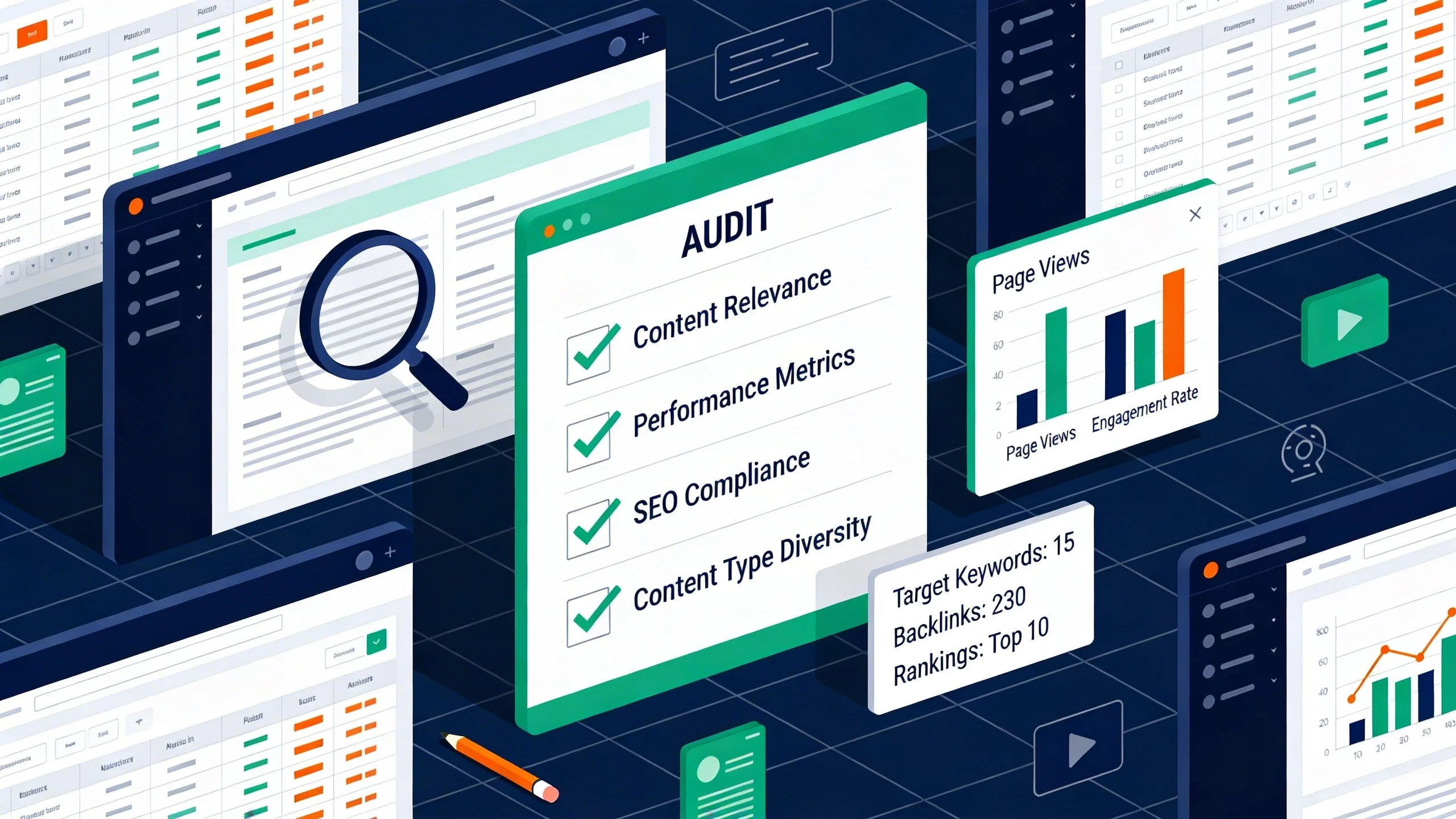
Think of a content audit as a financial audit for your content assets. It’s a systematic process of gathering and analyzing all the content on your website (your articles, landing pages, etc.) to assess its health, performance, and alignment with your business goals.
You're taking a full inventory and asking a simple question for every single URL: "Is this piece of content still working for me?"
For many website owners, this process is a complete game-changer. Why? Because the benefits are tangible, strategic, and directly impact your bottom line.
- Boosts SEO: By identifying and fixing issues like thin content, keyword cannibalization, and outdated information, you dramatically improve your site's overall quality in Google's eyes. This strengthens your E-E-A-T (Experience, Expertise, Authoritativeness, Trustworthiness) and leads to better rankings across the board.
- Increases Ad Earnings: The audit helps you pinpoint high-traffic pages that can be further optimized. By improving user engagement on these pages and pruning low-value ones, you increase your average Page RPM (Revenue Per Mille) and overall ad revenue.
- Improves User Experience (UX): A good audit cleans up your site. You’ll remove dead-end pages, fix broken links, and consolidate confusing, overlapping articles. This keeps users on your site longer, reducing bounce rates and sending positive signals to search engines.
- Reveals Content Gaps: The process of reviewing what you have makes it glaringly obvious what you're missing. You'll uncover valuable topics your audience is searching for that you haven't covered yet.
- Builds Topical Authority: By consolidating multiple weak articles on a single topic into one comprehensive, powerhouse piece, you signal deep expertise to Google, helping you dominate that topic in search results.
- Provides a Strategic Roadmap: The audit's findings become your content marketing plan for the next 6-12 months. You'll stop guessing what to write or update next and start making decisions based on data.
Before You Begin: Setting Goals and Gathering Your Tools
Jumping into an audit without a clear objective is like setting sail without a map—you'll collect a lot of data but have no idea where you're going.
Step 0: Define Your Goals
First, decide what you want to achieve. Your goals will determine which metrics you prioritize. Be specific.
- Bad Goal: "I want more traffic."
- Good Goal: "Increase organic traffic by 20% in the next 6 months by identifying and updating 25 'striking distance' articles."
- Bad Goal: "I want to make more money."
- Good Goal: "Increase average Page RPM by 15% by improving engagement on my top 50 traffic-driving pages."
Your Content Audit Toolkit
You don't need a massive budget to get started. Here are the essential tools for the job.
- Essential (Free):
* Google Analytics (GA4): Your source for user behavior data like pageviews, average engagement time, and conversions.
* Google Search Console (GSC): Your direct line to Google. It provides crucial SEO data like clicks, impressions, and keyword rankings for each page.
* Google Sheets / Excel: This is where you'll build your content inventory spreadsheet, the central hub of your audit.
- Highly Recommended (Paid/Freemium):
* A Website Crawler (e.g., Screaming Frog): This is the fastest way to get a list of every single URL on your site, along with on-page data like title tags and word count. The free version can crawl up to 500 URLs.
* An SEO Suite (e.g., Ahrefs/Semrush): These tools provide invaluable competitive data, most importantly the number of backlinks (referring domains) pointing to each page.
The 4-Step Content Audit Process: A Step-by-Step Walkthrough
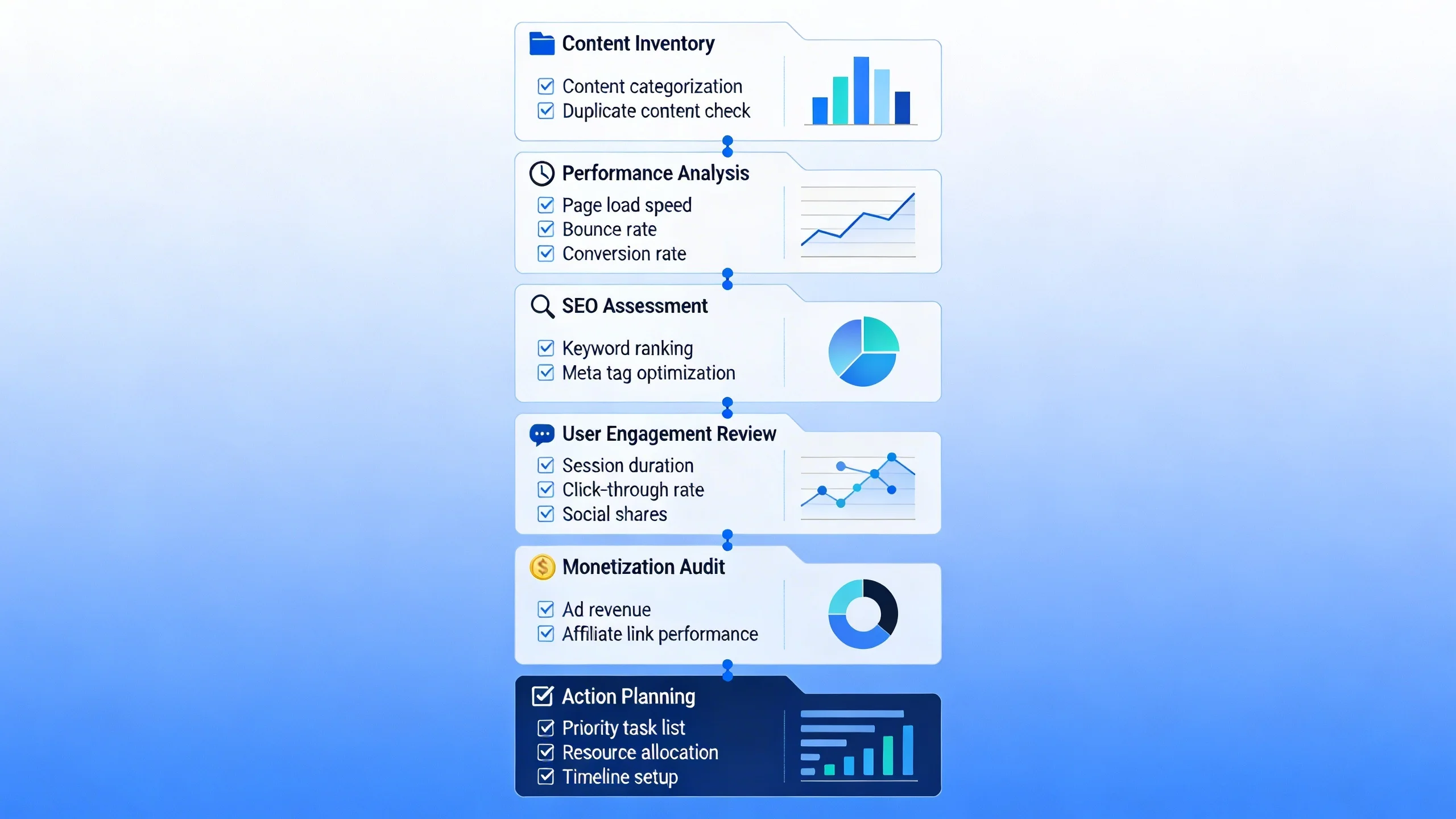
This is where the magic happens. Follow this four-step process to turn a mountain of data into a clear, actionable plan.
Step 1: Create Your Content Inventory (The "What")
First, you need to collect all your content URLs and their corresponding data into a single master spreadsheet.
The easiest way to get a complete list of your URLs is with a crawler like Screaming Frog. Alternatively, you can export them from your sitemap or a WordPress plugin. Once you have your list of URLs, create a spreadsheet with the following columns and start pulling in the data for each one.
Data Points to Collect:
- From your CMS (e.g., WordPress):
* URL
* Title
* Publish Date
* Last Updated Date
* Word Count
* Author
- From Google Analytics (set date range to last 90 days or 12 months):
* Pageviews
* Average Engagement Time
* Conversions (if applicable)
- From Google Search Console (set date range to last 90 days):
* Clicks
* Impressions
* Average Position
- From Ahrefs/Semrush:
* Referring Domains (Backlinks)
* Top Keyword Ranking (the primary keyword the page ranks for)
Pro-Tip: This is the most time-consuming part of the process. To save you hours of setup, we've created a pre-built Google Sheets template. Contact us for our Content Audit Template
Step 2: Analyze the Data (The "So What")
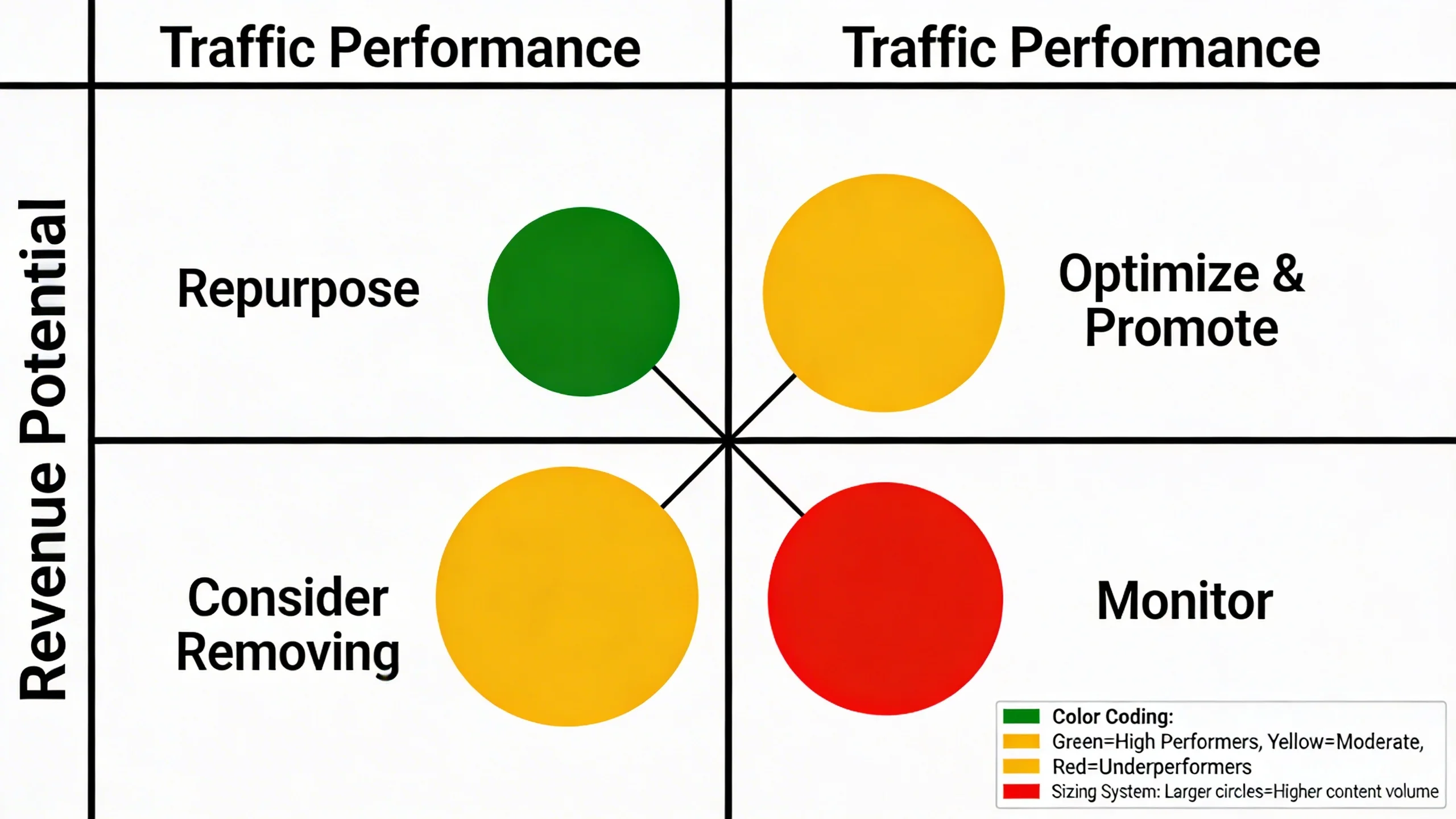
With your spreadsheet full of data, it’s time for analysis. To avoid getting overwhelmed, we’ll use a simple but highly effective 4-bucket classification system. Create a new column in your spreadsheet called "Action" and assign one of the following four categories to every URL.
[Insert a visual flowchart here for the 4-Bucket Decision System: Keep, Improve, Consolidate, Prune]
Bucket 1: KEEP (High-Performing Content)
- Criteria: These are your rockstars. They have high organic traffic, strong keyword rankings (positions 1-5), good backlinks, and healthy engagement metrics. They are relevant and up-to-date.
- Action: Leave them as is. Your main job here is to protect them. Look for opportunities to add internal links from these high-authority pages to other relevant articles you want to boost.
Bucket 2: IMPROVE / UPDATE (Content with Potential)
- Criteria: This is your "historical optimization" goldmine. These articles show promise but aren't reaching their full potential. They might be ranking on page 2-5 for valuable keywords, getting some traffic but have low engagement time, contain outdated information, or have decent backlinks but low traffic.
- Action: Prioritize these for updates. These pages have the highest ROI potential. A strategic refresh can often push them onto page one, resulting in a significant traffic boost.
Bucket 3: CONSOLIDATE / MERGE (Cannibalizing or Overlapping Content)
- Criteria: You have multiple articles targeting the exact same topic and user intent. For example, you have separate posts for "best running shoes for beginners" and "how to choose beginner running shoes." These pages compete with each other in the SERPs, a problem known as keyword cannibalization, which confuses Google and dilutes your authority.
- Action: Choose the best-performing URL of the group (the one with the most traffic or backlinks). Merge the unique, valuable content from the weaker articles into this "winner" page, creating one comprehensive resource. Then, implement a 301 redirect from the weaker URLs to the primary one. This passes their link equity and ensures users don't land on a deleted page.
Bucket 4: PRUNE / REMOVE (Dead Weight Content)
- Criteria: This is the "zombie" content that provides no value. These pages have zero or negligible traffic, no backlinks, no significant keyword rankings, and are irrelevant to your current business goals (e.g., an announcement for an event from five years ago).
- Action: This step can feel scary, but it's crucial for improving your site's overall quality. You have two main options:
* 410 Redirect (Content Gone): This tells Google the page is permanently gone and should be removed from its index. Use this for content that has absolutely no value.
* Noindex Tag: Apply this to pages you want to keep on the site for user reference (like old admin pages or specific thank you pages) but want to hide from search engine results.
Step 3: Execute Your Action Plan (The "Now What")
Now you have a clear plan. It's time to execute, focusing on the highest-impact tasks first (usually the "Improve" and "Consolidate" buckets).
How to 'Improve' an Article (A Mini-Checklist):
- [ ] Refresh Accuracy: Update stats, dates, and any outdated information.
- [ ] Improve On-Page SEO: Optimize the title tag and meta description for your target keyword.
- [ ] Expand Content: Add new sections to answer more user questions. Check the "People Also Ask" section on Google for ideas.
- [ ] Add Rich Media: Embed relevant videos, update images, and create custom graphics.
- [ ] Strengthen Internal Linking: Add links to and from other relevant, authoritative posts on your site.
- [ ] Improve Readability: Use shorter sentences, more subheadings, and bullet points.
How to 'Consolidate' Articles Safely:
- Choose the Winner: Identify the primary URL you will keep (usually the one with the most backlinks or traffic).
- Merge & Improve: Copy any unique, valuable content from the weaker articles into the winner. Edit and expand the winner page to be the best, most comprehensive resource on the topic.
- Redirect: Implement a 301 redirect from each of the weaker URLs to the primary winner URL. Then, delete the weaker pages.
Expert Tip: Before you prune or redirect a URL, use a tool like Ahrefs to check for any valuable backlinks. If a "dead weight" page has a surprisingly good backlink, consider redirecting it to a closely related, high-value page instead of deleting it with a 410.
Step 4: Measure and Iterate
A content audit is not a one-time project; it's a living process. The final step is to track your results to see what's working.
- How to Measure Success:
* Use annotations in Google Analytics to mark the date you update or redirect a page. This lets you easily see the before-and-after impact on traffic.
* Track keyword rankings for your updated pages using a rank tracker or GSC.
* Monitor GSC for changes in clicks and impressions for the pages you worked on.
- Recommendation: Schedule a mini-audit every quarter to review your most important content and a full, site-wide audit annually to maintain your site's health and performance.
The Direct Link: How Your Audit Supercharges Ad Earnings
Now, let's connect this entire process back to the promise of higher ad revenue. An SEO content audit isn't just about traffic; it's about profitable traffic.
[Insert a graphic here showing the relationship: Audit Actions -> Better Metrics -> Higher Ad Revenue]
Here’s how your audit directly boosts your ad earnings:
- Focusing on High RPM Pages: Your audit spreadsheet will show you which pages get the most traffic. By cross-referencing this with your ad network's data, you can identify your pages with the highest Page RPM. Your "Improve" action plan should prioritize these pages first. A 10% traffic lift on a $40 RPM page is far more valuable than a 50% lift on a $5 RPM page.
- Improving Viewability and Engagement: When you execute the "Improve" plan, you make your content better, longer, and more engaging. This directly increases Average Engagement Time. Longer engagement means higher ad viewability (the percentage of ads that are actually seen by users), which is a key metric advertisers pay for. Better viewability equals more revenue.
- Pruning Low-Value Pages: It may seem counterintuitive, but deleting content can make you more money. Those zero-traffic pages often have low-quality ads and can get accidental clicks that generate fractions of a cent. By pruning this dead weight, you remove the "denominator drag" from your site-wide average RPM, often causing it to increase.
- Strategic Ad Placement on Updated Content: When you update a post from 800 words to 2,500 words, you create new real estate. This gives you opportunities to add new, high-performing ad units—like in-content video ads or additional display ad slots—without hurting the user experience, further increasing that page's revenue potential.
Your Path to a Healthier, More Profitable Website
A content audit is the single most powerful strategy for leveraging the assets you already own to grow your traffic and revenue. It transforms your content from a collection of liabilities and assets into a high-performing portfolio where every piece has a purpose.
By following this 4-step process—Inventory, Analyze, Execute, and Measure—you can stop guessing and start building a strategic, data-driven content plan.
Stop the content treadmill. It's time to work smarter, not harder.
Download our free content audit template and start unlocking your website's hidden potential today.